
Want Playroom to show up right at the top of your share options? It only takes a minute to set up, and makes saving activities easier than ever.
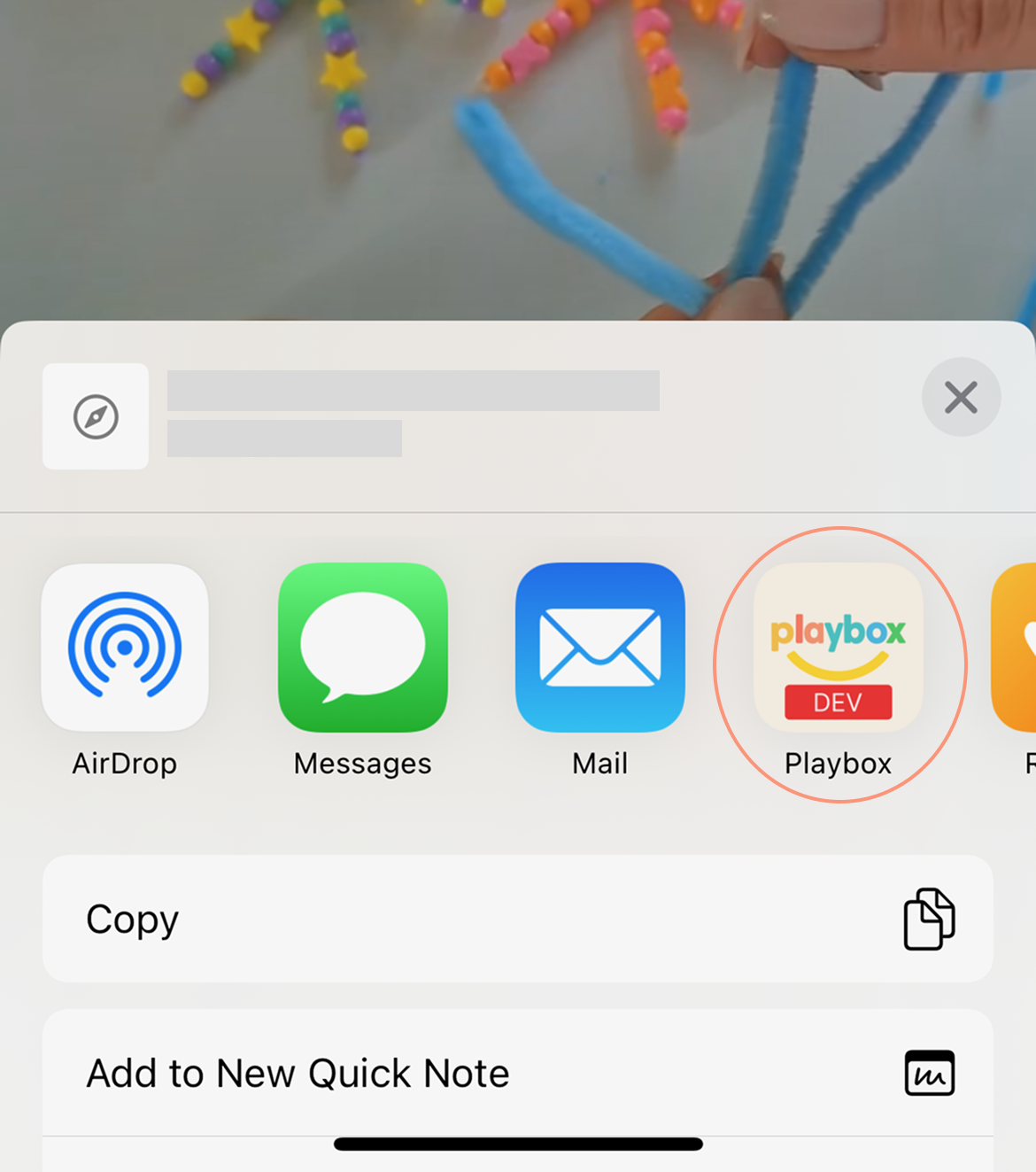
Step-by-step
- 1Go to any activity website you love and tap the "Share" button.
- 2Scroll to the right and tap "More."
- 3Tap "Edit."
- 4Find Playroom and tap the "+" to add it. If you don't see Playroom right away, a quick phone restart usually refreshes the share list.
- 5Drag Playroom to the top so it's easy to grab next time, then tap "Done."
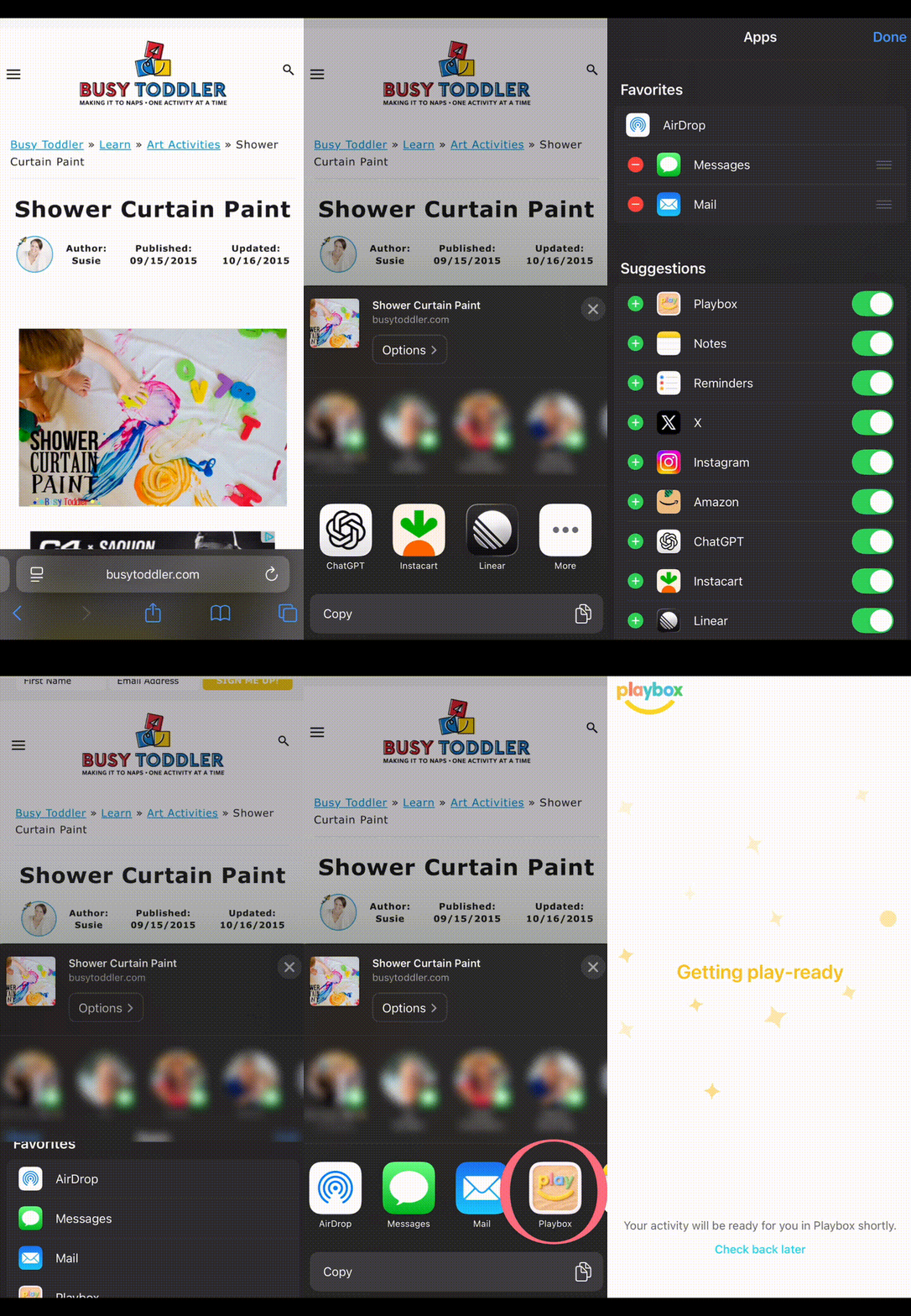
That's it. You're all set!